
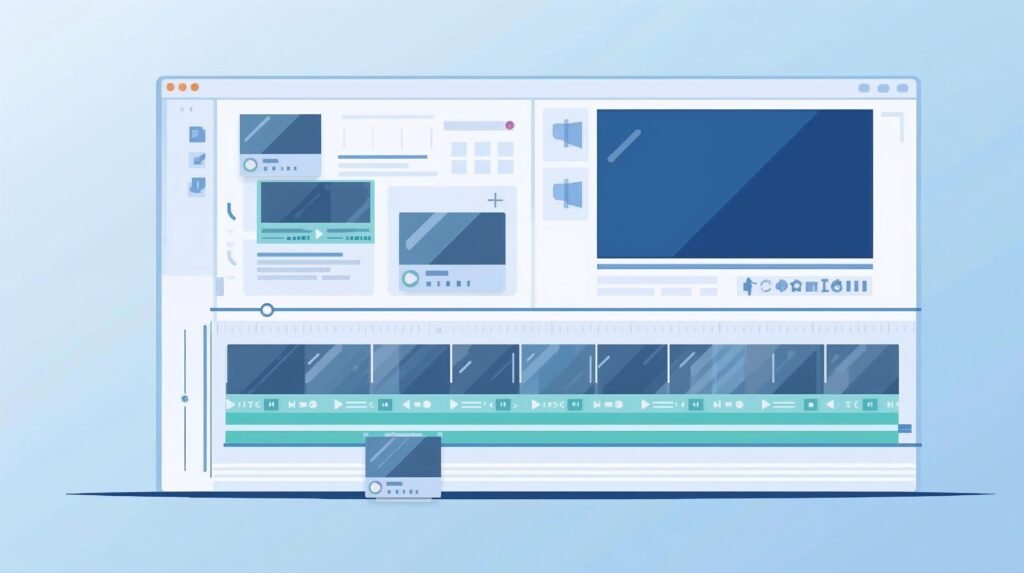
Managing subtitle files for long video projects can be a hassle, but our free online tool at SubtitlesEdit.com changes that. This subtitle splitter lets you split SRT and VTT files effortlessly by time, cues, or lines, preserving timing accuracy while working 100% offline in your browser. Read on to discover how this tool streamlines your workflow for video editing, YouTube uploads, and more—saving you time and frustration.
What Is a Subtitle Splitter and Why Do You Need One?
A subtitle splitter is a powerful tool that divides a single subtitle file into multiple subtitle files, making it easier to manage large or complex projects. Whether you’re dealing with a long video file like a full movie or a series of YouTube clips, this free online subtitle tool helps you break down SRT or VTT files into smaller segments without losing timing or text integrity. For use cases such as video editing, translation teams, or platforms with file size limits, splitting ensures smoother workflows and better preservation of content.
Creators often face challenges with large subtitle files that slow down editing software or exceed maximum upload sizes. By using a subtitle splitter, you can split subtitle files by time—for example, every 10 minutes—or by cue count, automatically creating ready-to-use parts that correspond perfectly to your video segments. This is especially useful for split a video into chapters, where each clip needs its matching caption file.
In video editing, manual splitting can take hours, but this tool handles it in seconds, maintaining original formatting like italics and line breaks. No need to worry about adjustment issues—timing stays precise, so your subtitles sync flawlessly with the video.
How Does the Free Online Subtitle Splitter Work?
Our free subtitle splitter at SubtitlesEdit.com operates entirely in your browser, meaning no upload to servers and full privacy. Start by pasting your SRT or VTT subtitle file, then select your split method: by time (e.g., every 5 seconds or minutes) or by number of cues. The tool processes everything locally, generating multiple subtitle files instantly with renumbered cues starting from 1 in each.
This online tool supports specific options like SRT to VTT output format, ensuring compatibility for YouTube or other platforms. For a long subtitle file, you can split it into equal duration parts and download clean files ready for use. It’s ideal for handling large subtitle files from tools like Premiere or Aegisub.
The process is simple: choose your split criteria, hit split, and get files with preserved timing accuracy. No editing software required—this method saves time for translators who need to translate focused segments without overwhelming text volumes.
What Are the Best Ways to Split Subtitle Files by Time?
Time-based splitting is perfect for video projects where you want subtitle files to match video duration, like dividing a 2-hour film into 30-minute segments. Set the interval—say, every 10 minutes—and the tool automatically extracts cues within that window, resetting start times to 00:00:00 for each new file. This ensures seamless playback when paired with corresponding video clips.
For YouTube creators, split subtitle files by time helps manage file size limits and improves upload speeds. Each resulting subtitle file retains timing details, so subtitles appear exactly when they should in the second half or any segment. Use this for long documentaries or podcasts, where precise duration control prevents sync issues.
Best practices include testing timing post-split by playing a video clip with its subtitle file. The tool handles text like speaker labels without alteration, making it reliable for professional use cases.
When Should You Split Subtitles by Cues or Lines?
Cue-based splitting shines when file size matters more than time, such as dividing into every 200 lines or cues for translation workflows. This split method creates balanced multiple subtitle files, ideal for teams where one person handles a segment of text while others work in parallel. Renumbering happens automatically, keeping each file organized from cue 1.
Use cue splitting for large subtitle files from video editing software, where line counts exceed platform maximums. For example, a SRT file with thousands of lines becomes manageable segments, easing review and fixes. It’s great for caption preparation before mergeing back.
subextractor
This approach maintains timing accuracy across files, as timestamps aren’t altered—only grouped. Translators appreciate it for focused work without scrolling through endless text.
How to Split Large Subtitle Files for Long Videos?
Handling large subtitle files for long movies or seasons? The subtitle splitter excels here, processing even files with thousands of lines offline without file size limits. Split by time or cues to create smaller files that won’t bog down your browser or editing software. For a 3-hour video file, break it into hour-long segments, each with intact timing.
This is crucial for YouTube video uploads or split a video into episodes, where oversized subtitle files cause errors. The tool preserves original format, text, and second-precise timestamps, ready for use in players like VLC.
Pro tip: After splitting, pair each subtitle file with its video clip to verify sync. This method streamlines collaborative video editing.
Can You Merge Split Subtitle Files Later?
Yes, you can merge them back using a dedicated subtitle merger tool like ours at SubtitlesEdit.com. Upload the files in order, and combine them into one SRT or VTT file with continuous timing and renumbering. Perfect if your workflow changes or you need a unified file for final export.
Merging split segments is seamless, adjusting overlaps if any, while maintaining preservation ofcontent. Use this for multiple subtitle files from team projects, ensuring the final video has one cohesive subtitle file.
For fixing minor issues post-merge, pair with our subtitle edit tools. This flexibility makes splitting reversible without data loss.
What Are the Key Features of This SRT and VTT Split Tool?
Our tool supports SRT and VTT formats, splitting by time or cues with precise timing preservation. 100% offline, it renumbers cues automatically, and outputs clean files instantly—no watermarks or limits.
Key perks include no upload privacy, compatibility with YouTube and players, and options for custom duration or cue counts. Use it to split subtitles for video editing, translation, or platform restrictions.
It’s free, fast, and specifically built for creators needing reliable segmentation without complex editing software.
How to Maintain Timing Accuracy When You Split Subtitles?
Timing accuracy is non-negotiable—the tool copies timestamps verbatim into each split file, only resetting start times for new segments if time-based. This ensures subtitles correspond exactly to video duration, avoiding desync in second-by-second playback.
Test by loading a split subtitle file with its video clip; adjustments are rarely needed thanks to preservation. For manual checks, note end times match seamlessly when you merge later.
Best practices involve splitting at natural breaks, like scene changes, to maintain sync effortlessly.
What Are the Best Practices for Splitting Subtitle Files?
Follow best practices for optimal results: split at logical segment boundaries matching your video structure, use time for duration-based needs and cues for text volume. Always verify timing post-split and fix any rare formatting glitches.
Manage large files by starting small, then scale; keep files under 1MB per segment for broad compatibility. Use offline mode to avoid file size limits.
Key Takeaways
Split subtitle files easily with our free online tool for SRT/VTT, by time, cues, or lines.
Maintain timing accuracy and format across segments for flawless video sync.
Ideal for large subtitle files, YouTube and video editing workflows.
Merge split files anytime; everything stays offline and private.
Follow best practices like logical breaks for pro results—start splitting today at SubtitlesEdit.com
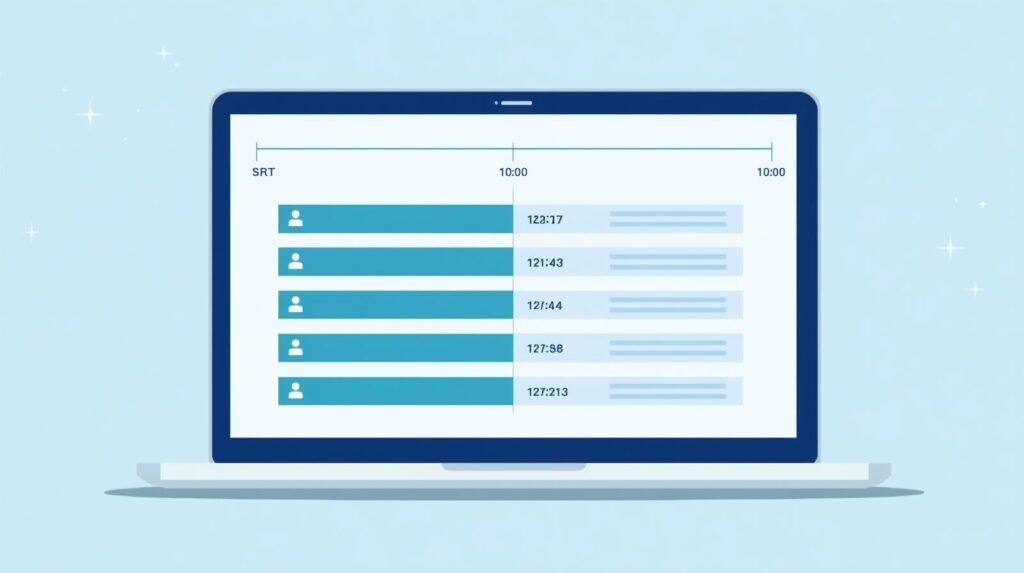
Frequently Asked Questions
How do I split SRT files online?
Use our free online subtitle tool: paste your SRT file, choose split by time or cues, and download multiple subtitle files with intact timing.
Can I split VTT subtitles and maintain timing?
Yes, the splitter supports VTT, preserving timing accuracy and format for each segment.
What's the difference between time and cue splitting?
Time splitting divides by duration (e.g., 10 minutes), while cue splitting breaks by line or cue count for balanced files.
Does splitting affect video sync?
No, original timestamps ensure perfect sync when matched to video clips.
Can I merge or fix split files?
Absolutely—use our merge and other tools for adjustments, keeping everything seamless.